Have you ever been busy browsing or playing a game, and suddenly your internet connection becomes really slow, even though the signal is full? Eh, it could be that the problem is not from the network, but from your router which is overheating, aka overheating.
Well, this problem occurs very often, especially if your router is left on continuously without ever being turned off. When a router overheats, apart from making the internet slow, it can also shorten the life of the device itself.
So, instead of constantly stressing the router with high temperatures, it’s better to find out first causes of router overheating and how to solve it so that the connection remains stable and the router can be more reliable. Come on, see the complete discussion!
What is Router Overheating?
Router overheating is a common problem that often occurs in devices that are constantly used, such as Wi-Fi router.
When a router overheats, not only will the internet connection be slow, but it can also cause long-term damage to its internal components.
Why does the router overheat even though the signal is strong? This is due to overheating that occurs inside the device, which can be triggered by various factors, such as incorrect placement, accumulated dust, or even continuous use without a break.
This problem often appears in homes where the router is left on 24/7. Of course, if left on continuously, the router will work hard without stopping, causing its internal temperature to increase.
As a result, the internet connection may become unstable, and the overall performance of the router will decrease. For this reason, it is important for us to know the causes of router overheating and ways to avoid it, so that the device continues to work optimally.
Frequent Causes of Router Overheating
Router overheating can be caused by many factors that we may not be aware of. Below we will discuss the five main reasons why routers can overheat and how this can affect our internet connection.
Incorrect Router Placement
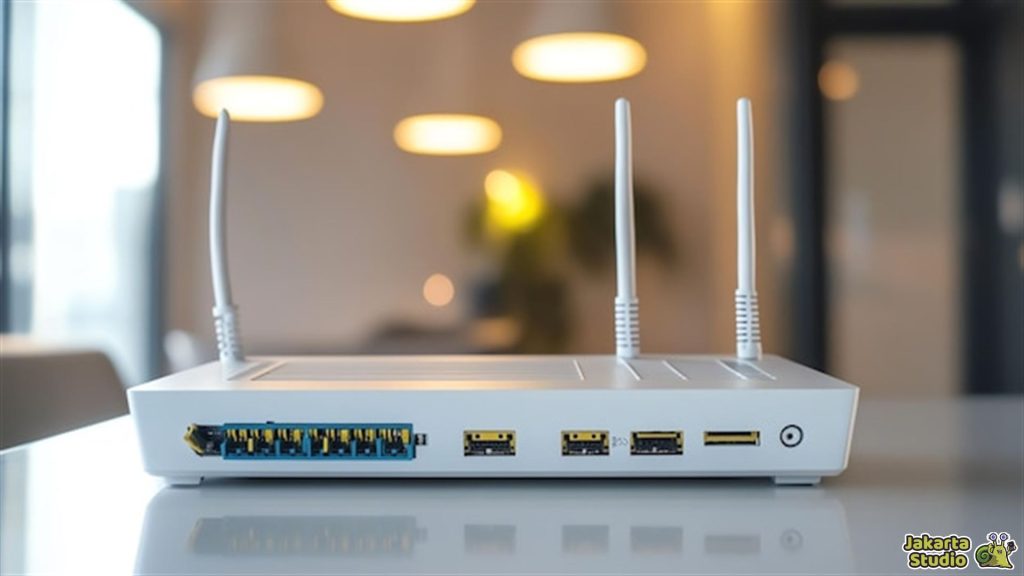
One of the main causes routers can heat up quickly due to improper placement. Many people often put routers in closed or narrow places, such as behind the TV, in a cupboard, or in the corner of a small room.
In fact, places like this block air circulation and trap heat inside the device. The longer the router works in conditions like this, the temperature inside will continue to increase, and its performance will decrease.
To keep the router cool, make sure you place it in an open place and not obstructed by anything. Place it on a table or flat surface that is high enough, with space around it so that air can flow freely.
Avoid attaching the router to a metal wall or placing heavy objects on it. That way, air circulation will be smoother and the router will stay cool.
Accumulating Dust
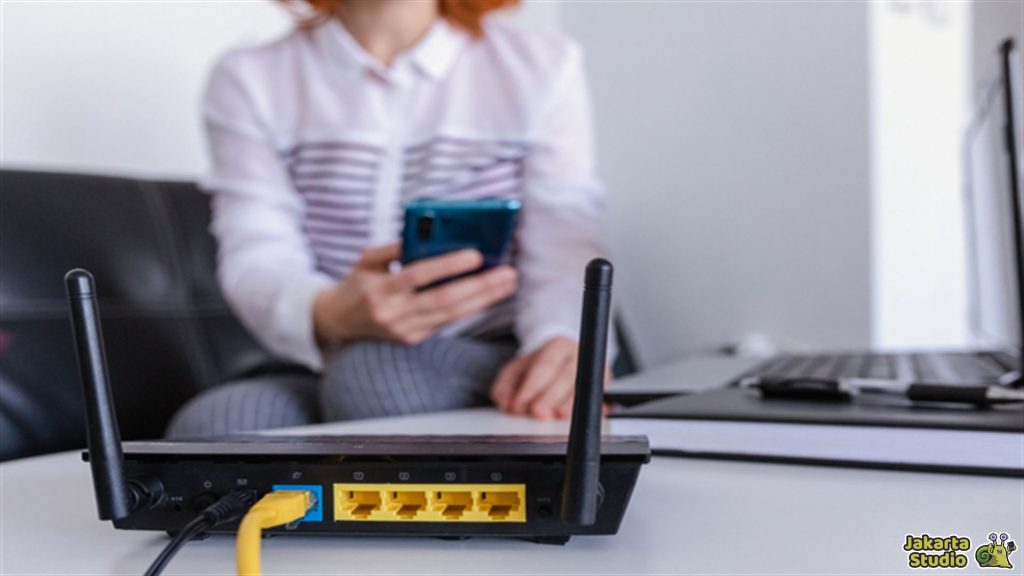
If you rarely clean routersDust and dirt will accumulate in the ventilation or air holes on the device. This of course hinders air flow and makes the router temperature even higher.
Even though the device may look clean, dust stuck inside can still be the main cause of overheating.
To keep the router cool, do regular cleaning, at least once a month. Use a soft brush or low-pressure air spray to remove dust stuck to the vents.
Nonstop Router Use
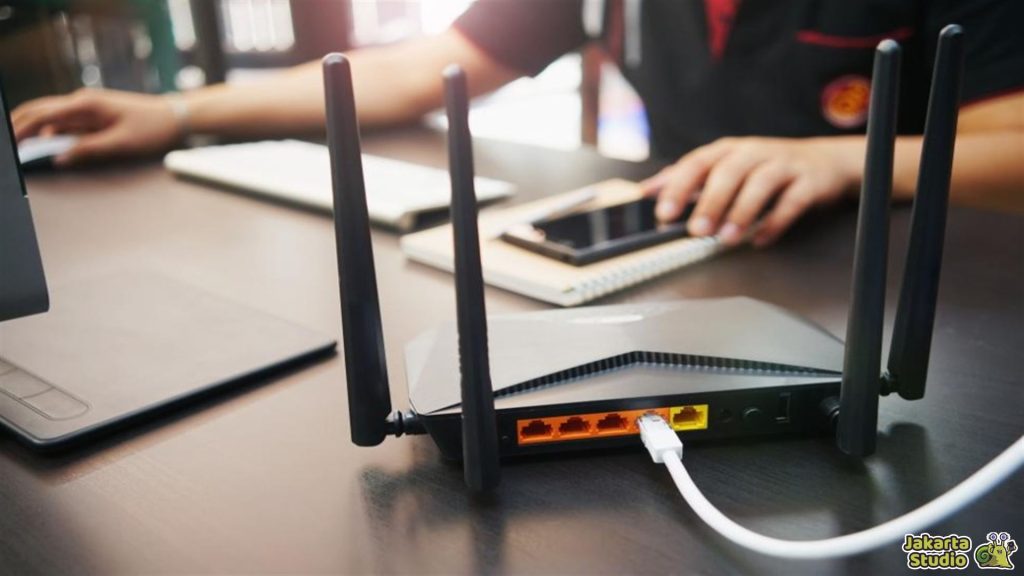
Routers are designed to run continuously without being turned off, but that doesn’t mean this device can survive high temperatures all the time.
Non-stop use, especially for heavy activities such as gaming or streaming, makes the processor and other components work hard. If the router continues to operate at high temperatures, its performance will decrease and the internet connection will become slow.
Try to turn off the router for 10–15 minutes every night or when not in use. By giving it a short rest time, the router’s temperature will drop, and its internal components can “breathe” again.
Firmware Not Updated
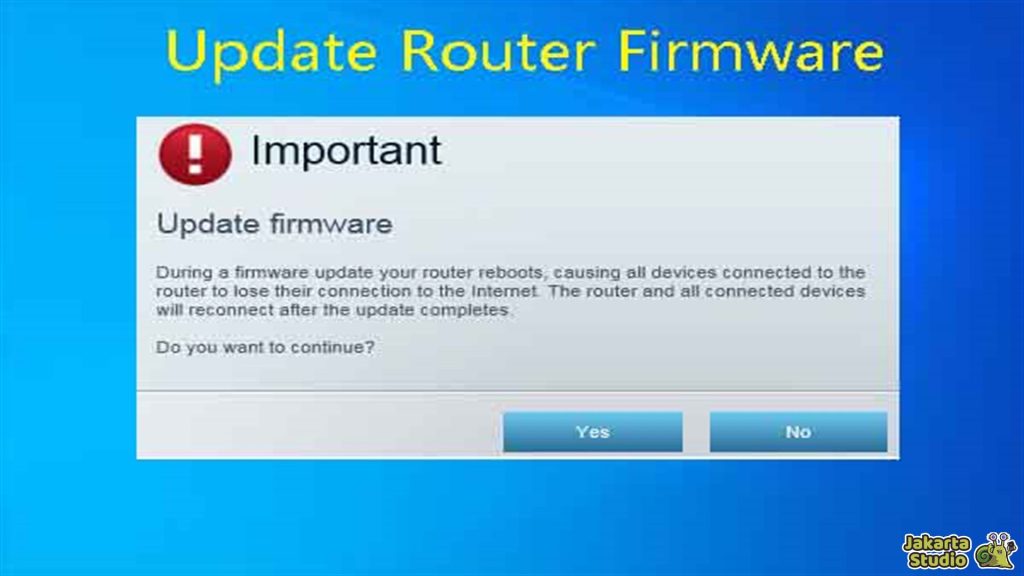
It turns out that router overheating problems can also come from the software side. Outdated or outdated firmware often harbors bugs that make the router work harder than it should.
The router processor that is forced to work hard will consume more power and ultimately cause the device temperature to increase.
To keep your router running efficiently, always make sure its firmware is up-to-date. Typically, device manufacturers such as TP-Link or Asus will release updates to fix bugs or improve system performance.
Router Design Is Less Optimal
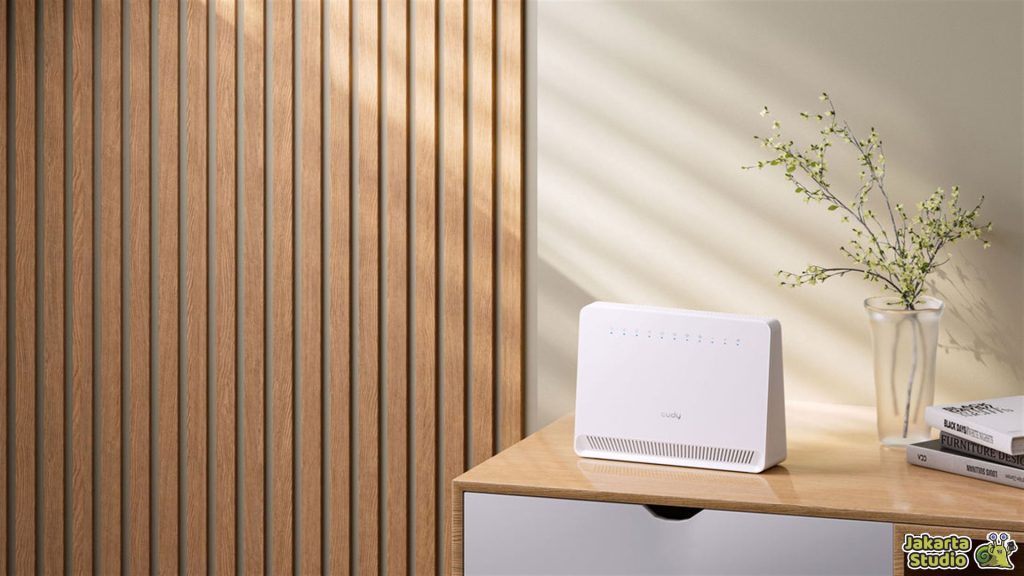
Cheap or entry-level routers are often not equipped with an adequate cooling system. Limited ventilation and a tight body design make this device easily overheat, especially when used for heavy activities.
This kind of router may be sufficient for light use, but when used intensively, the temperature will increase quickly.
If you feel like your router often gets hot even after you’ve only used it for a few hours, try placing the router on a surface with holes, such as a wooden shelf or a table with ventilation. Or, if possible, use a small cooling pad to help with cooling.
Conclusion
So, those are some tips that you can try to prevent the router from overheating and keep the internet connection stable. You have to pay attention to its placement and regularly clean accumulated dust so that it doesn’t make the device work too hard.
Don’t forget to always update the router’s firmware so that its performance remains optimal. Hopefully the tips and tricks above can help and keep the device durable and not easily damaged.
News
Berita
News Flash
Blog
Technology
Sports
Sport
Football
Tips
Finance
Berita Terkini
Berita Terbaru
Berita Kekinian
News
Berita Terkini
Olahraga
Pasang Internet Myrepublic
Jasa Import China
Jasa Import Door to Door
Comments are closed, but trackbacks and pingbacks are open.