The risk of losing a smartphone device is something that can happen to anyone, ranging from falling or missing to worse ones such as theft.
But fortunately, now many smartphones are equipped with tracking features. For example on Android devices there is a Finde My Device feature, as well as on the iPhone.
Good about what the difference between the two features And which one is more accurate in tracking the existence of our device? Let’s discuss and compare one by one.
Comparison Finding my iPhone vs. Find My Devices Android
When talking about tracking down the lost device, Find My iPhone and Find My Device Android are the two main features that can be relied upon.
Although the purpose of the two is the same, which is to help users find a lost device, there are some significant differences. Come on, we see more in what are the main differences between the two!
Integration with ecosystems
One of the biggest differences between Find My iPhone and Find My Device Android is integration with ecosystems. Find My iPhone is very attached to the Apple ID and can only be used on Apple devices.
This means, you who use the iPhone, iPad, MacBook, or Apple Watch can track your device via the Find My application on other Apple devices or via iCloud.com.
All Apple devices that are connected to the same Apple ID can be connected to each other, making the tracking process more organized and easy.
Unlike that, Find My Device Android is much more flexible. This feature can be used by various brands of Android devices, such as Samsung, Xiaomi, Google Pixel, to OnePlus, as long as the device is connected to the Google account.
That is, even though you moved the Android device brand, you can still use Find My Device while using the same Google account. This flexibility is certainly an added value, especially for those who use several devices from various brands.
Ease of use and interface
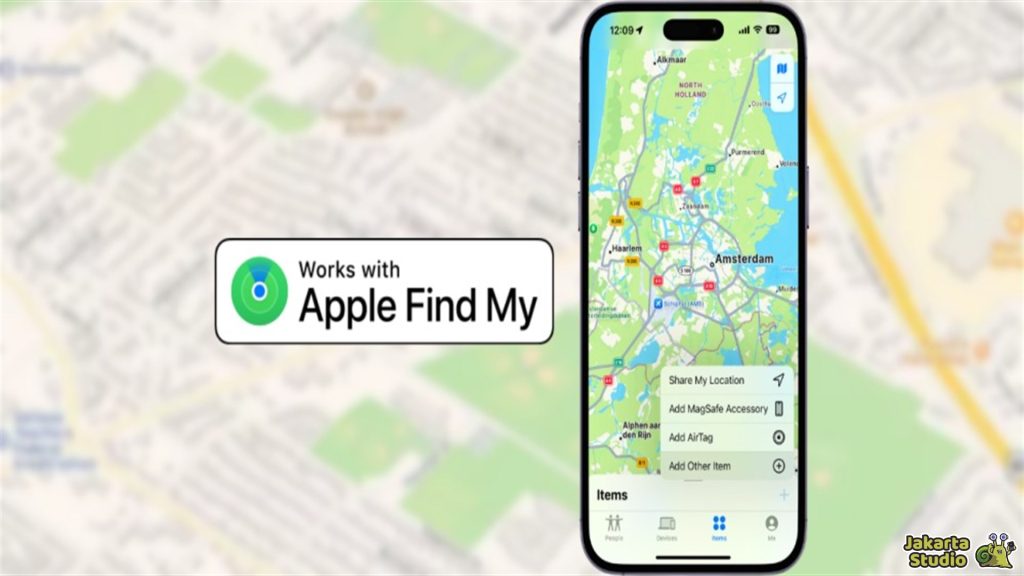
Find My iPhone offers a very neat user experience and is integrated with a typical iOS design. The interface is designed very intuitively, making it easier for users to track the device, activate Lost Mode, rotate sound, or delete device data.
In addition, there is an offline tracking feature using Bluetooth that allows the device to still be found even though it is not connected to the internet. This is a sophisticated feature that makes Find My iPhone superior in terms of comfort and user experience.
On the other hand, Find My Device Android offers a simpler interface and directly to the core function. Users can track the location of the device via Google Maps, lock the device, or delete remote data.
Although this feature is quite easy to use, overall, the user experience on Android is not as effective as on Apple. The offline features offered are also limited, although Google is trying to develop similar capabilities.
Tracking offline
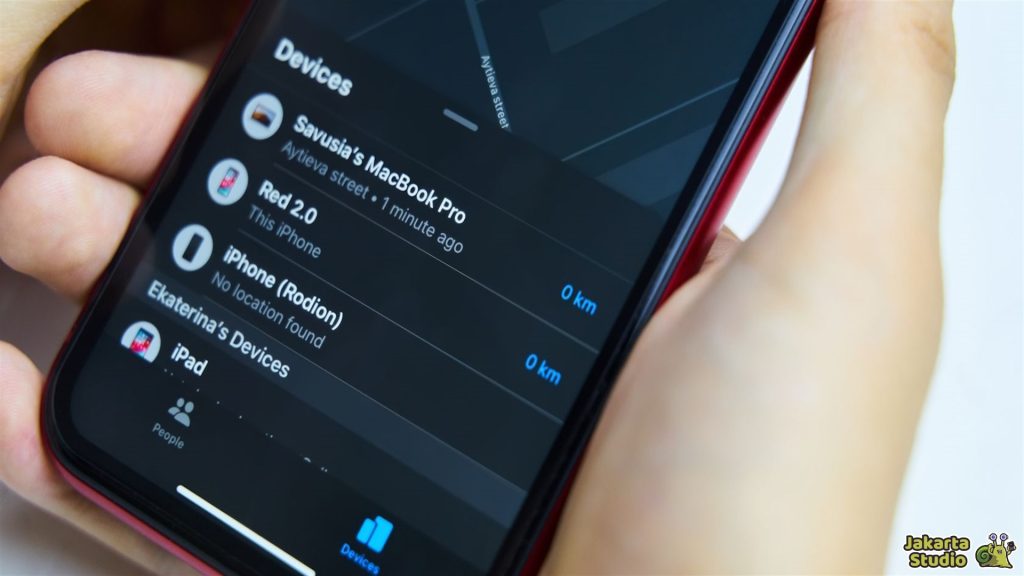
One of the advantages of Find My iPhone is its ability to track offline devices. Unlike the Find My Device, which requires an internet connection, Find My iPhone utilizes Find My Network, where the lost Apple device can be connected to other Apple devices around it through Bluetooth.
The location of the device will then be sent anonymously and safely to the owner, even though the device is not connected to the internet.
Meanwhile, Find My Device Android is still fully dependent on an internet connection, be it Wi-Fi or cellular data. Without an internet connection, tracking cannot be done.
Although Google is developing an offline tracking feature, its reach is still limited and not as strong as Apple’s.
Security and privacy system
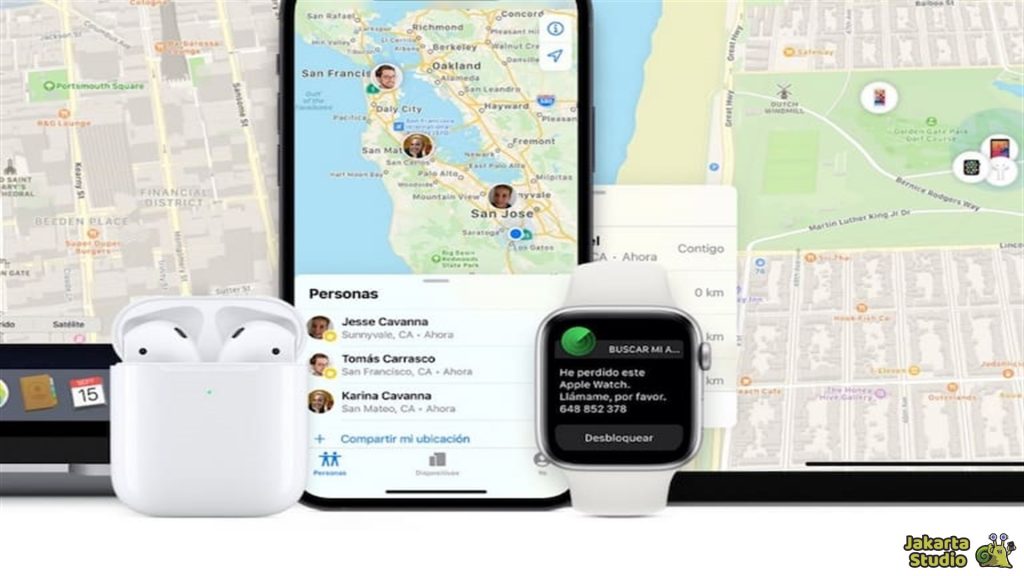
Find My iPhone offers a higher level of security than Find My Device Android, especially in terms of privacy. The location of the lost device is encrypted by end-to-end, which means only the device owner can see the position of the device.
In fact, Apple itself cannot access the location data. In addition, there is an activation lock feature that allows the device that is lost or stolen to be locked and cannot be used without the Apple ID of its owner.
Conversely, although Find My Device Android has several security features, such as screen locking and removal of remote data, Google services are more integrated with data and advertisements, which make some users feel their privacy is less maintained.
Notification and warning
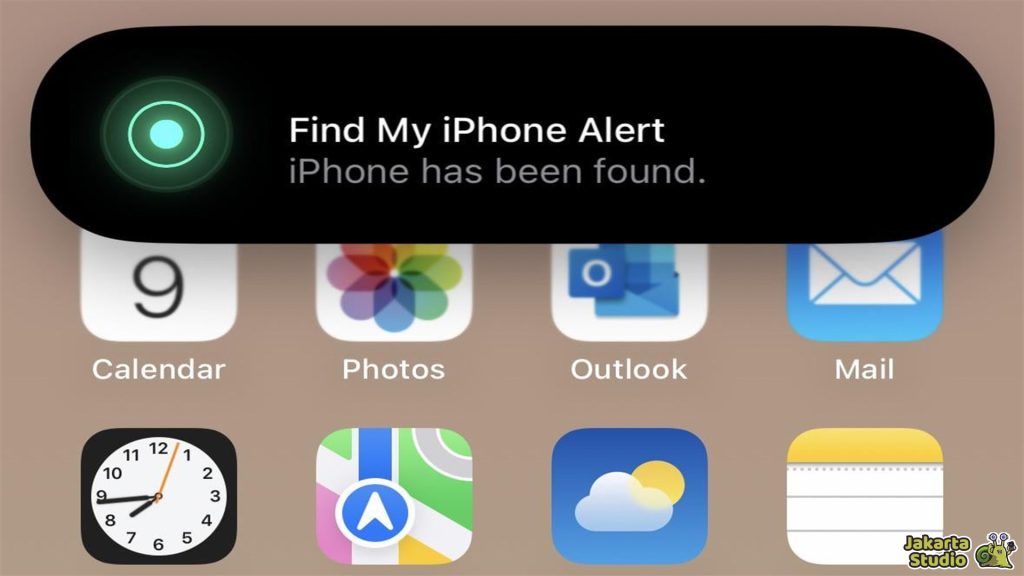
Find My iPhone offers a variety of sophisticated notifications. For example, you will be given a notification when the lost device is found or returned online.
This feature also supports tracking of additional devices such as AirTags and other Apple devices, providing more convenience in monitoring many devices at once.
Conversely, Find My Device Android only provides basic notifications when the location of the device is updated. Some Android brands do provide additional applications for tracking, but this notification feature can be different depending on the brand of the device used.
Even so, the notification given by Find My Device is enough to track the device in general, but not as complex as the notification in Find My iPhone.
Other additional features
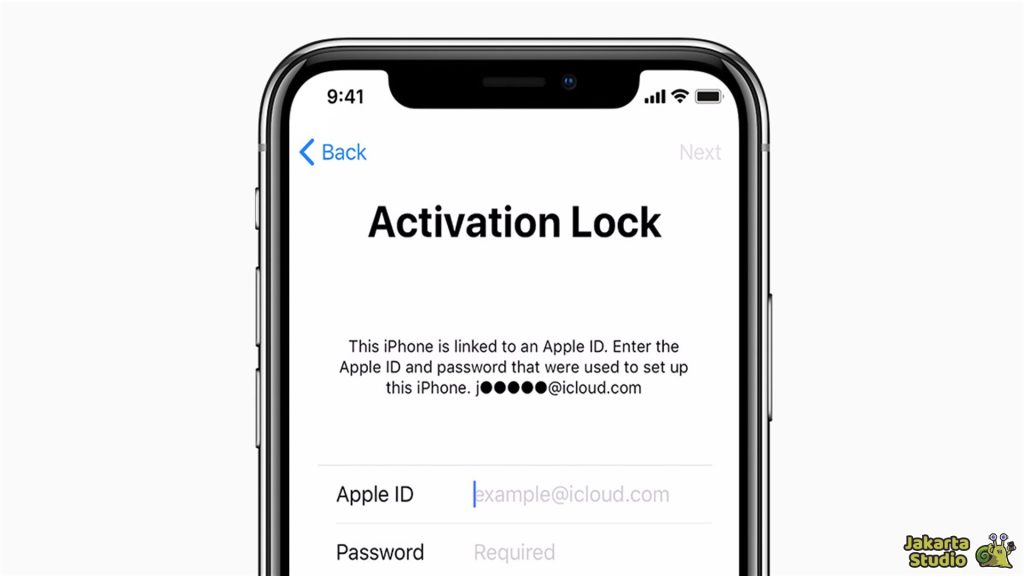
In addition to the basic tracking feature, Find My iPhone also has several additional features that make it superior. One of them is activation lock, which prevents lost or stolen devices for use without the owner’s Apple ID.
This feature makes the iPhone device very difficult to re -use by thieves. In addition, there is a family sharing, which allows you to monitor family devices, as well as a history of location that is useful for tracking the movement of the device.
Meanwhile, Find My Device Android offers locking and data removal features, but does not have universal locking features such as Activation Lock owned by Apple.
Some Android brands also have their own solutions, but are usually limited to certain devices. If you want to share locations with family, Android generally uses separate applications, such as Google Family Link, which is less integrated compared to Apple’s family sharing.
Conclusion
From the comparison above, it can be concluded that Find My iPhone excels in terms of integration of ecosystems, security, and ease of offline tracking.
Meanwhile, Find My Device Android offers high flexibility because it can be used on various Android devices, but is still limited in terms of offline and privacy tracking features.
So what do you think? Which is better? Please value yourself.
News
Berita
News Flash
Blog
Technology
Sports
Sport
Football
Tips
Finance
Berita Terkini
Berita Terbaru
Berita Kekinian
News
Berita Terkini
Olahraga
Pasang Internet Myrepublic
Jasa Import China
Jasa Import Door to Door
Comments are closed, but trackbacks and pingbacks are open.