Have you ever, you find it difficult to find information on Youtube because there are so many video choices? Or maybe you feel lazy to have to watch long videos just to get the important points?
Now, thanks to artificial intelligence (AI), you can summarize YouTube videos without the need to watch it as a whole! Yep, AI technology such as chatgpt and other tools now make it easier for us to get direct information, without having to waste time.
In this article, we will discuss various ways to summarize YouTube videos quickly and easily use AI. Get ready to save time and get the information you need, let’s!
Tutorial summarizing YouTube videos with AI
With the rapid development of AI, do not be surprised if now work like summarizing information they can also do.
Even now AI can also understand information from YouTube videos and then write the important points for us. Well want to know how?
Using chatgpt
One of the easiest ways to summarize YouTube videos is to use chatgpt. You must be familiar with chatgpt, right?
Yup, this AI can not only help you write or answer questions, but can also summarize YouTube videos quickly and efficiently.
- First, find the video that you want to summarize on YouTube.
- Can video tutorials, news, or even your favorite vlogs.
- After that, copy the video link.
- Open chatgpt, then paste the video link in the conversation and give commands, for example, “Please summarize this YouTube video in detail. “
- If you want to summarize in Indonesian, you can add the command “In Indonesian” at the end.
- ChatGPT will process and provide a summary based on the video you choose.
Using video transcripts
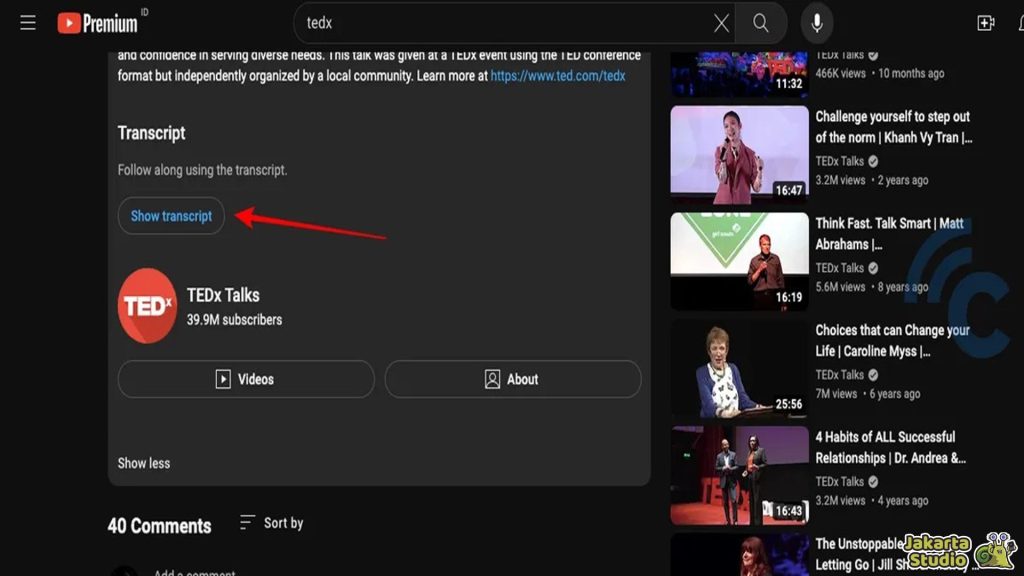
If the ChatGPT summary feels less detailed, you can try other alternatives. The way is really easy, just open the YouTube video that you want to summarize and find the video description section. There, you will find a transcript.
Click “Show the transcript“And all the conversations in the video will appear. Copy all the transcript texts, then paste it to chatgpt and give the command” Please Summarize This Youtube Video in Detail Using this Transcript. “
Using a video summarizer on chatgpt
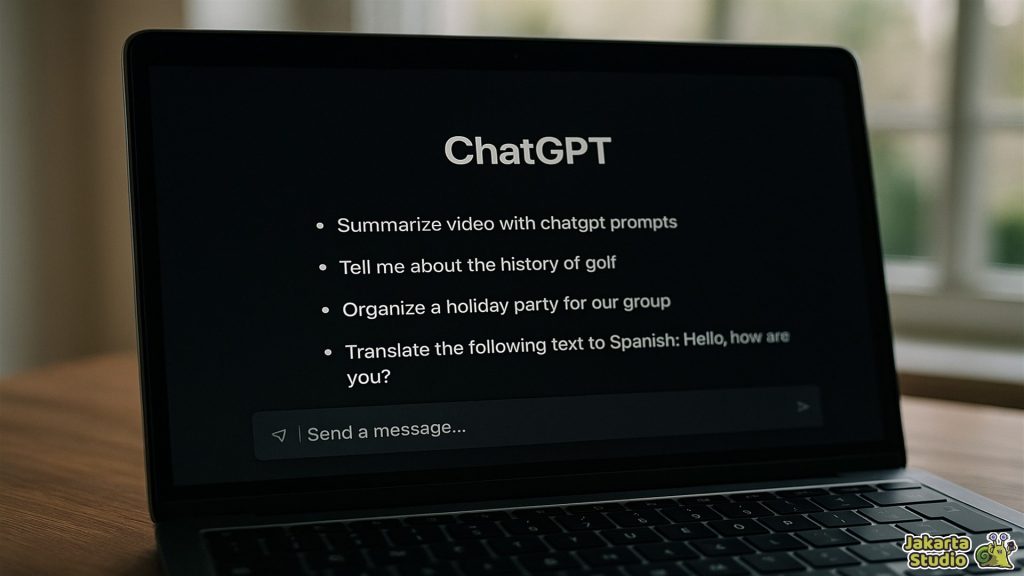
For those of you who want a more practical way, there is one more sophisticated tool from chatgpt that you can try, namely video summarizer.
This tool makes it easy for you to summarize YouTube videos just by providing video links. If you feel complicated manually, this tool is a quick solution that you can use!
- As usual, copy the video link that you want
- Open chatgpt and go to the GPTS section on the side menu. Type “video summarizer” in the search field.
- After that, choose the appropriate tool (for example, Summarizer video from @johnvs_nagendra).
- After entering the tool conversation, enter the command, “Can you summarize this video?“And stick the video link that you have copied.
- Click “Allow“To give access permission, then wait for the summary results to appear.
The advantage, you no longer need to bother copying the transcript, because this tool immediately summarizes the video for you.
Chrome Sider AI extension
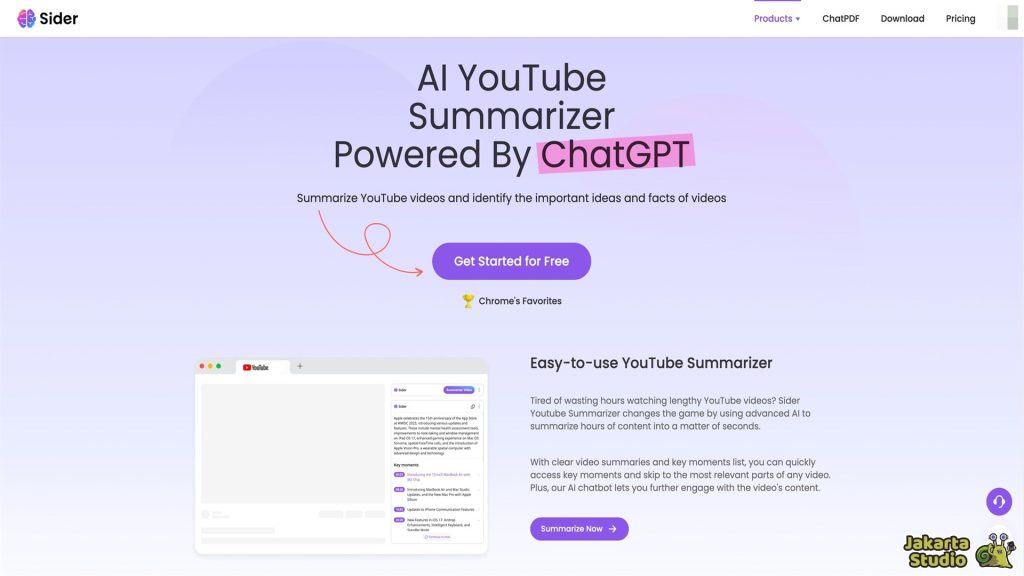
Want a more practical way? Try to use the extension of the Sider AI for Google Chrome! With Sider AI, you can summarize YouTube videos with just one click, directly from your browser.
Without the need to bother opening another tab or copying the transcript. Immediately, click the button and voila, summary video ready!
- First, make sure you have used the latest version of the Google Chrome browser.
- Then, open the Chrome Web Store, look for the extension AI page and click “Add to Chrome. ” Wait until the installation process is complete.
- Open Youtube and find the video you want to summarize.
- At the top of the video, precisely on the right, you will see a new button that reads Summarize the video.
- Click the button, and Sider AI will immediately summarize the contents of the video, complete with timestamp and a list of questions that might arise.
Tips so that the results of AI summary are more accurate
Although AI is very helpful, it is still important to check the results of the results produced. Ai is indeed sophisticated, but there can still be a mistake in some parts. Here are some tips you can try:
Verification of summary results
Every summary made by AI is usually accompanied by timestamp. Take advantage of this timestamp to check the truth of the information summarized.
Use videos with transcripts
Videos that have transcripts are usually more easily summarized by AI accurately. So, make sure you choose a video that has provided a transcript for more detailed results.
Conclusion
By using artificial intelligence, summarizing YouTube videos becomes faster and easier. Whatever the method you choose – both using chatgpt, video summarizer, or sider AI extension.
However, still remember to check the results so that accuracy is maintained. So, from now on, you can save time and get more effective information with the help of AI!
News
Berita
News Flash
Blog
Technology
Sports
Sport
Football
Tips
Finance
Berita Terkini
Berita Terbaru
Berita Kekinian
News
Berita Terkini
Olahraga
Pasang Internet Myrepublic
Jasa Import China
Jasa Import Door to Door
Comments are closed, but trackbacks and pingbacks are open.