Never or not, I’m busy browsing or looking for info on the internet, suddenly a message appears “This site cannot be achieved“? It feels really frustrated, especially if you need access to important sites, right?
Problems like this are actually quite commonly experienced by many people, both on computers and mobile phones. Usually, the causes can be various, ranging from unstable internet networks, cache data that accumulates, to problems with DNS settings.
But calm down, you don’t need to panic. Many practical tips that you can try to overcome this problem and return to browsing smoothly. Come on, see the full guide below!
The common cause of the site cannot be opened
The problem “This site cannot be achieved” or “The site cannot be reached“It could be caused by various factors that are sometimes difficult to know immediately. Now, before we look for a solution, let us first recognize some common causes why this can happen.
Internet connection disorder
The first thing to check is your internet connection. Don’t underestimate network problems, because this can be the main cause of the site that cannot be opened.
Sometimes, unstable WiFi networks or weak cellular signals can cause the browser to fail to connect to the site server.
Try to check whether your wifi is well connected, or try to restart the modem. If you use cellular data, make sure you have enough quota and the signal is okay.
Accumulated cache and cookies data
Have you ever felt the browser so slow or can’t load the page quickly? That could be because of the large number of cache and cookies data stored in the browser.
This cache is useful for speeding up page loading, but if too much, instead makes the browser become slow or can’t open a particular site.
Try to delete cache and cookies in your browser regularly, so that the browsing experience remains smooth.
DNS configuration error
DNS (Domain Name System) is a system that helps the browser convert the domain name of the site (for example, www.example.com
) become an IP address that computer can read.
Sometimes, the wrong or problematic DNS settings can cause the site to be inaccessible. Well, if you often experience site access problems, maybe DNS on your device needs to be reset.
You can try to use public DNS that is faster and more stable, such as Google DNS (8.8.8.8) or Cloudflare DNS (1.1.1.1).
The server is offline
This problem is not uncommon, especially if you can’t access certain sites for a long time. It could be that the server of the site is under repair or is experiencing technical problems.
If it’s like this, what else can I do, the solution is just waiting until the site’s server returns to normal. If you are curious, you can check the status of the site’s server via a downettector or similar service.
Blocking policy
In addition to technical problems, there are also external factors that can cause the site to not be opened, such as blocking by internet service providers (ISPs), government, or firewalls.
Some sites were deliberately blocked for some reason, such as restrictions on access by the state or policies from internet providers. If you suspect this problem, try checking with other people or in other areas, whether the same site can be accessed.
Conflict with security software
Antivirus or firewall that is too tight can also be a barrier when you try to access the site. Sometimes, this security software blocks sites that are considered risky, even though the site is actually safe to visit.
If you suspect antivirus or firewall that causes this problem, try to temporarily turn off the software and see whether the problem is resolved.
Solution “This Site Cannot Be Achieved”
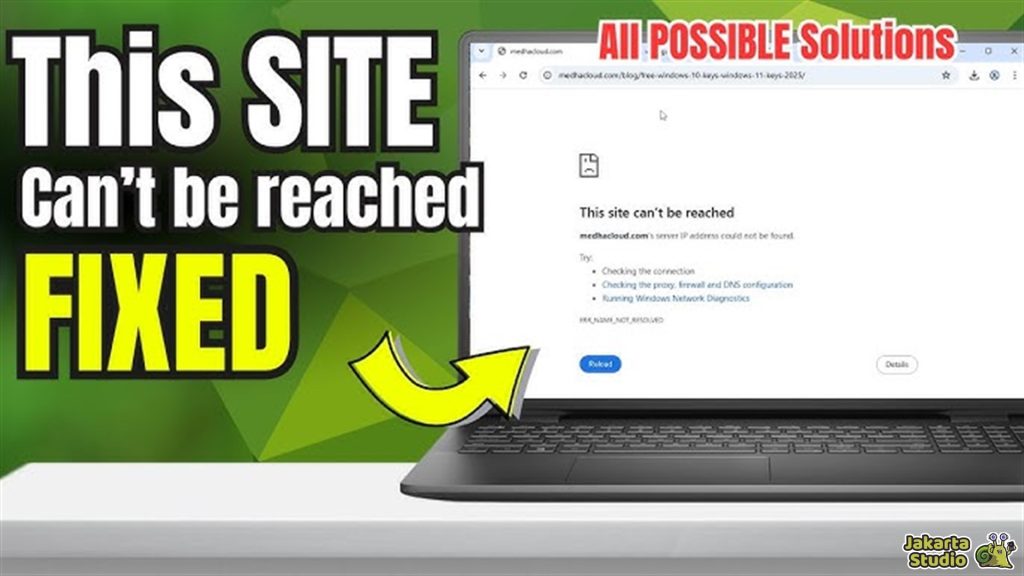
Now that we know some of the causes that can cause the site to be inaccessible, it’s time to try practical steps to overcome this problem. Don’t worry, you don’t need to be an IT expert to try the following tricks!
Restart the internet connection
The first step you should try is to make sure your internet connection runs well. Check your WiFi status or cellular data.
If you use WiFi, try restarting the modem or router. If using cellular data, make sure the signal is strong and the quota is still sufficient. If necessary, try to turn off the airplane mode for a moment and turn it back on.
Clean the cache and cookies browser
After checking the internet connection, the next step is to clean the cache and browser cookies. Sometimes, data that accumulates in the browser can interfere with page loading.
By deleting the cache and cookies, the browser will contain the latest version of the site you are aiming for. The way is really easy, just open the browser settings, select the option to clean data browsing, and select cache and cookies to be deleted.
Change DNS settings
If the problem continues, try to change the DNS settings on your device. Change to public DNS such as Google DNS (8.8.8.8) or CloudFlare DNS (1.1.1.1) which is faster and more stable.
To replace DNS, you can open network settings on your device and select the appropriate DNS.
Disable antivirus or firewall
Sometimes, antivirus or firewall that is too protective can block access to sites that are actually safe. Try to turn off the antivirus or firewall, then try accessing the site again.
If the site is successfully opened, it means the problem is in the security software settings. Don’t forget to turn on the antivirus or firewall back after finishing.
Use a browser or other device
If the methods above are not successful, try opening the same site using a browser or other device. For example, if you usually use Chrome, try opening in Firefox or Edge.
Or, try accessing sites using other devices, such as mobile phones or tablets. If other devices are successful, it means that the problem is on the first device.
Check the website status
Finally, if all the steps have been tried and the site is still inaccessible, the possibility of the problem is on the site’s server itself.
You can check the status of the site using services such as downettector. If the site is down, the solution is just waiting until the site manager fixs the problem.
Conclusion
So, no need to panic if you suddenly can’t access a site and even an error message appears. Please try a few tricks above that hopefully can be a solution.
If there are still confused or need further help, feel free to ask. Good luck!
News
Berita
News Flash
Blog
Technology
Sports
Sport
Football
Tips
Finance
Berita Terkini
Berita Terbaru
Berita Kekinian
News
Berita Terkini
Olahraga
Pasang Internet Myrepublic
Jasa Import China
Jasa Import Door to Door
Comments are closed, but trackbacks and pingbacks are open.